What you can do
Play together
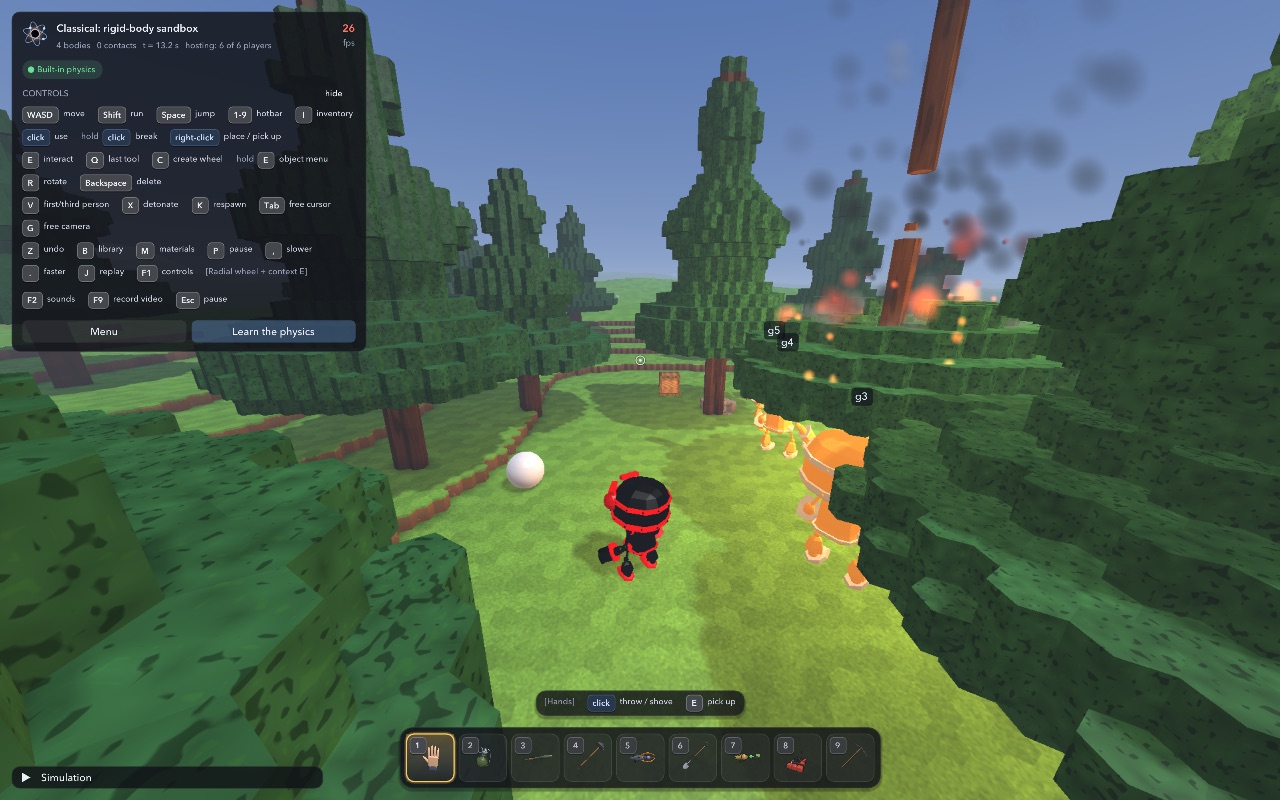
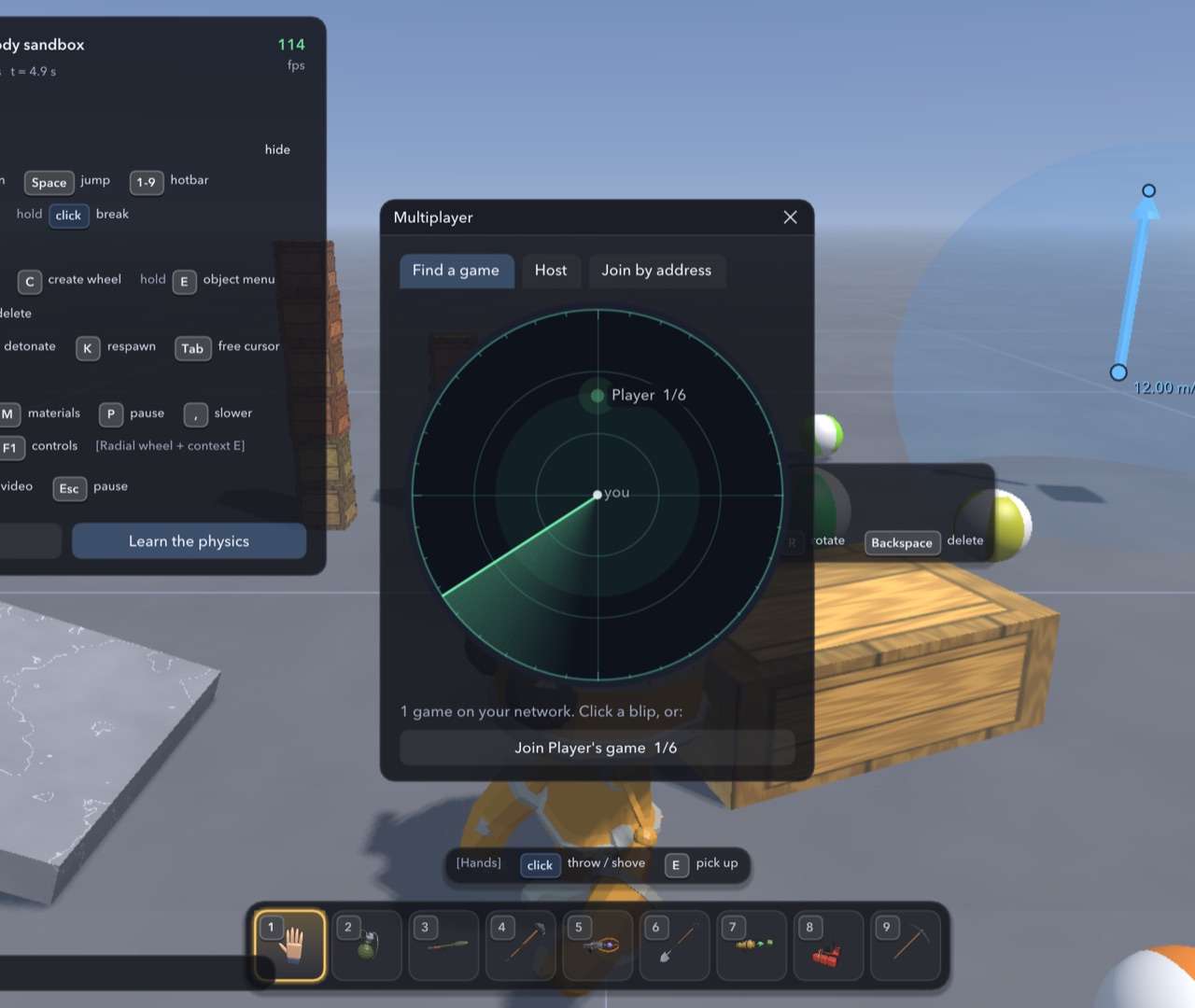
Up to six players share one world on the same network. One opens their world; the others see it on the radar in the Multiplayer menu and click to join.
Build machines
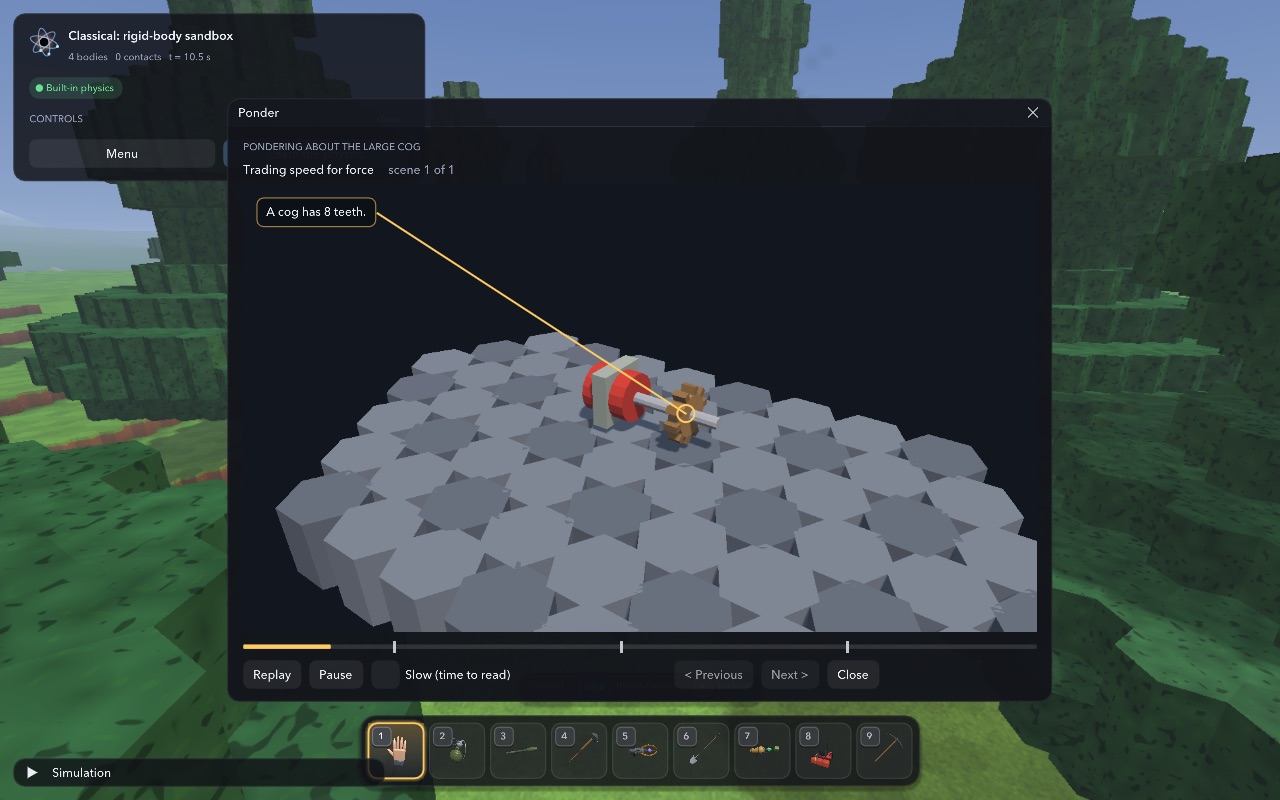
Gears, shafts, engines, pneumatic cylinders and more, with short scenes that show how each part works. Free gears go anywhere: hinge them to anything, mesh them by placing them, key them to axles, add motors, and hear teeth snap when a train is driven too hard.
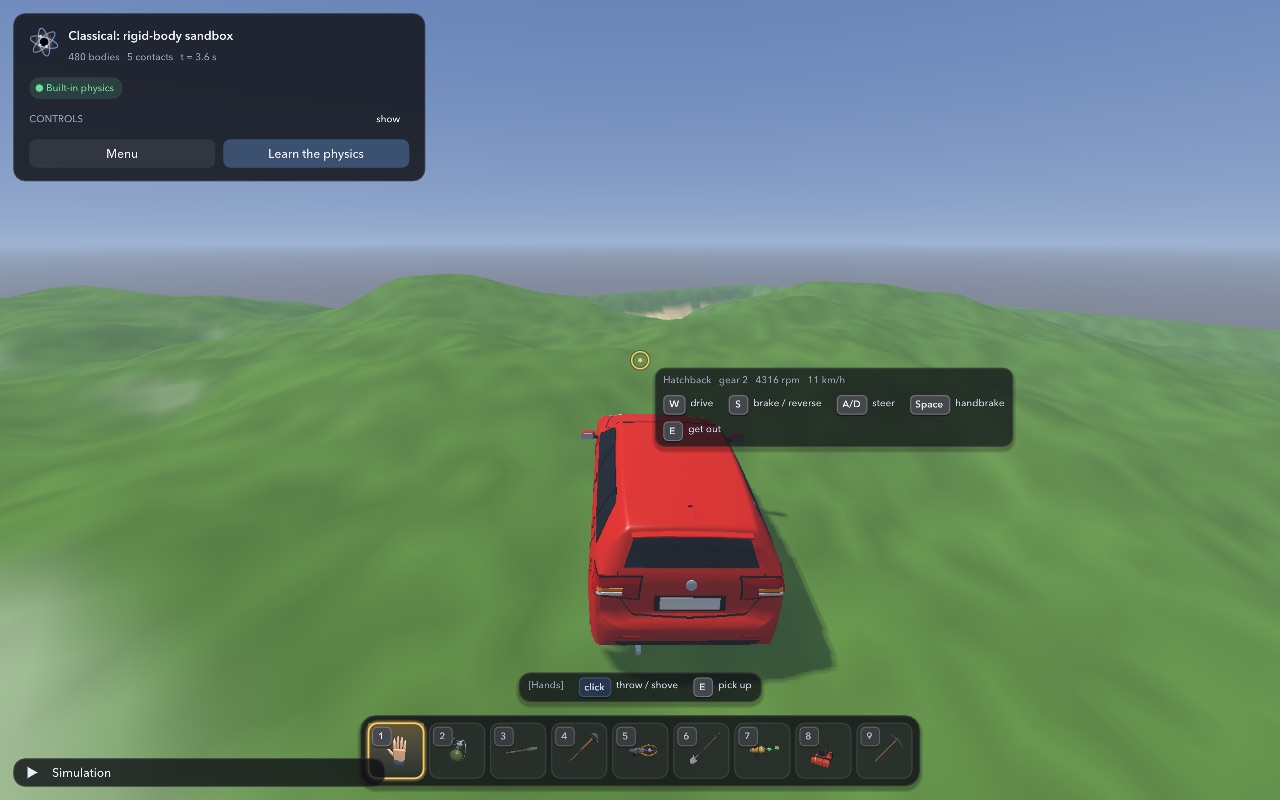
Drive
Cars and trucks with real suspension, an engine and a gearbox. Walk up to one and get in.
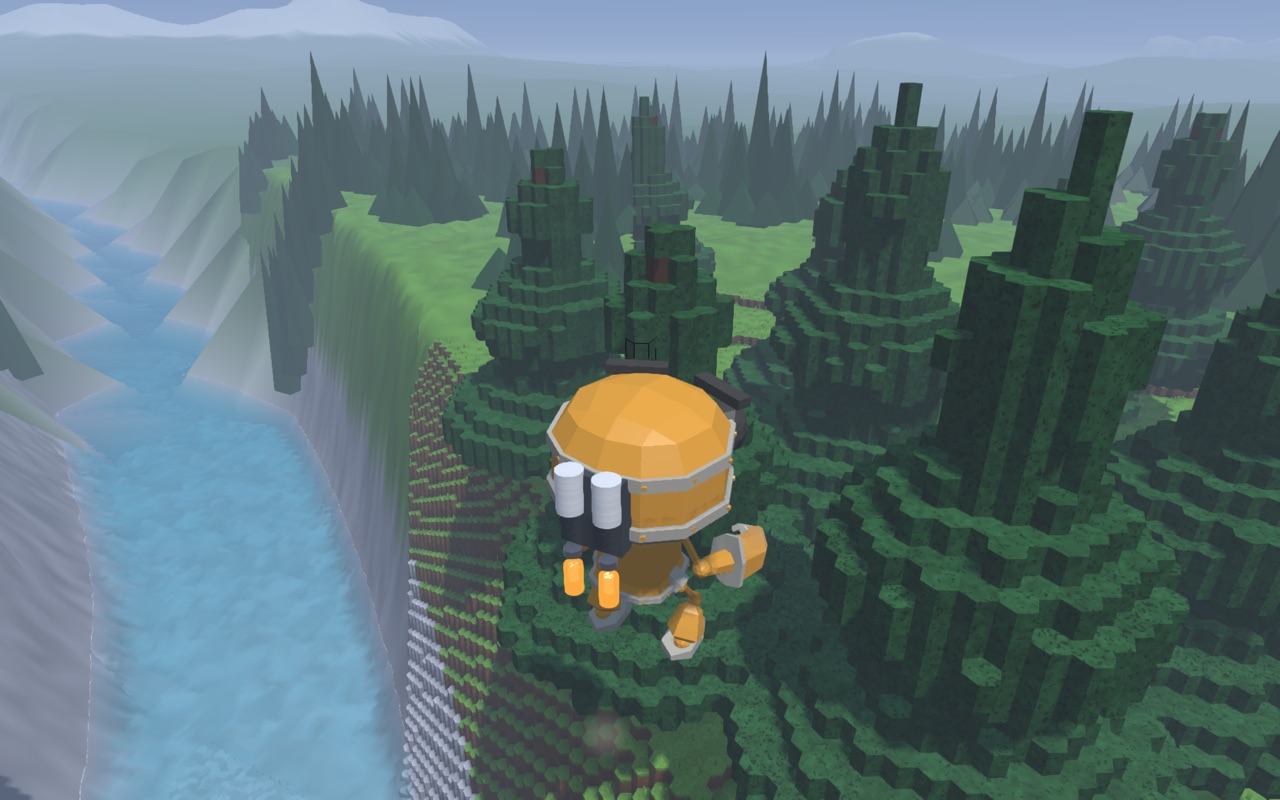
Fly
Three quick jumps put on a jetpack. Hold Jump to climb and steer, let go to glide on the wind. It refuels on the ground.
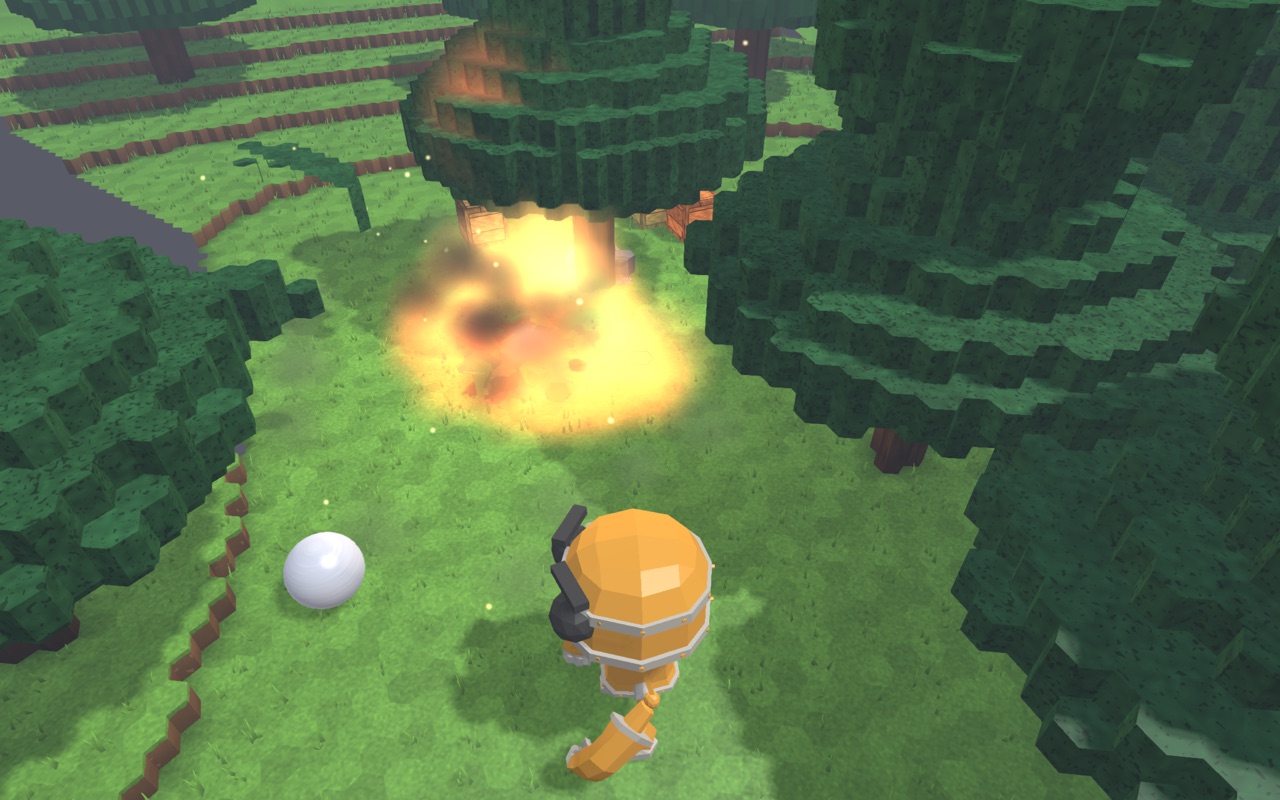
Dig and blast
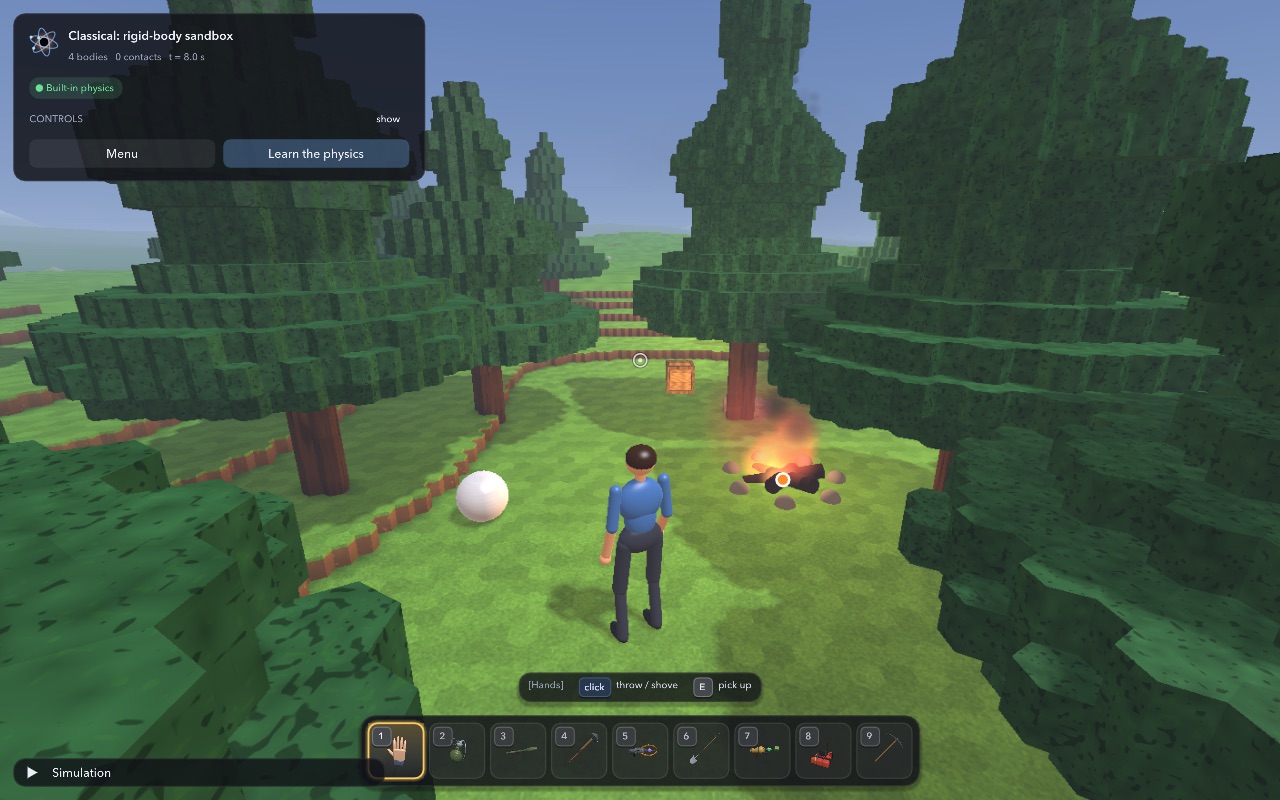
The world is made of blocks: dig tunnels, blast craters, bring down trees, towers and ruins. What breaks shatters into pieces you can pick up, and what is lighter than water floats.
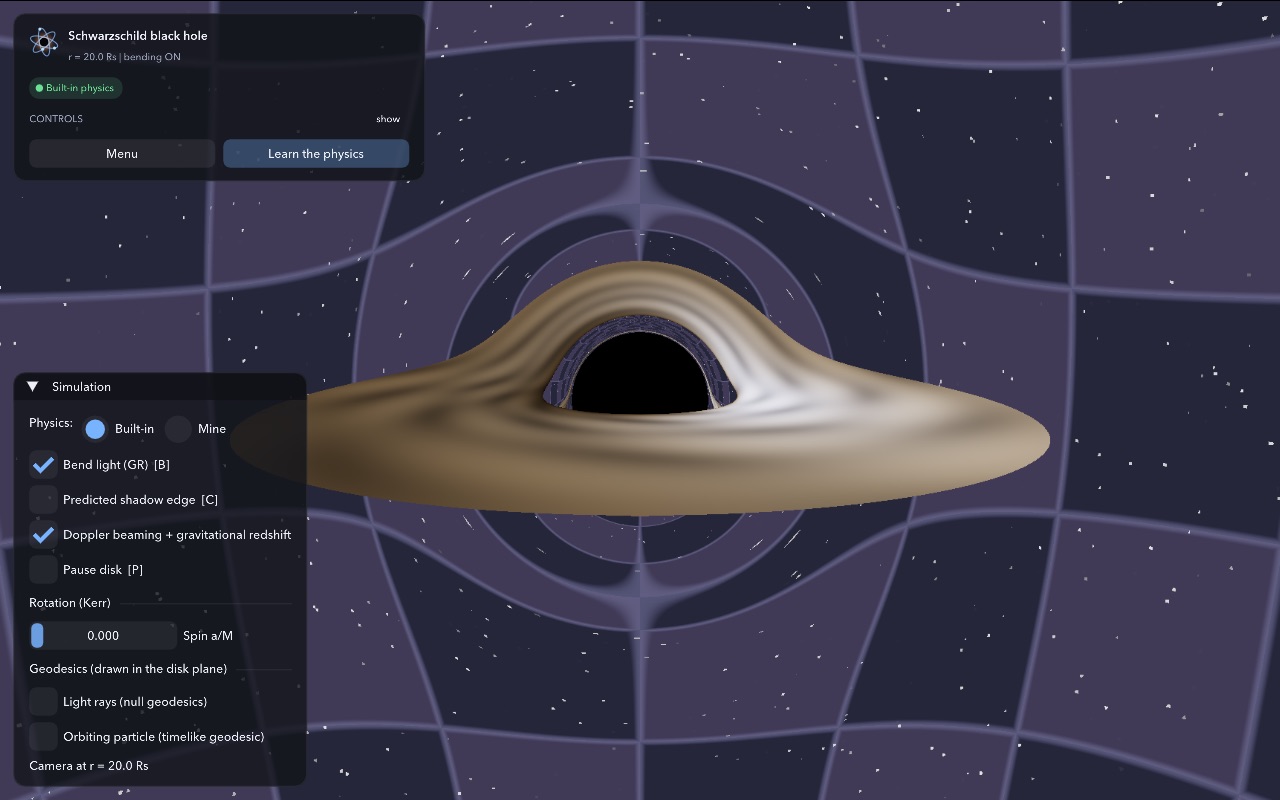
See the physics
Smaller scenes outside the sandbox go from atoms and light to orbits and a black hole, each with an explanation.
In the sandbox you can also dig and shape the ground, place and break blocks, glue things together, set fires, blow things up, and drop your own 3D models (.glb files) onto the window: pick one up and it becomes an item you can hold, swing, put down or drop.
Starting it the first time
The game is made by a hobbyist and is not registered with Apple, Microsoft or Google, so every system warns about it the first time you open it. You only have to do this once.
Mac
- Open the downloaded file and drag Physics Playground onto the Applications folder beside it.
- Open it from Applications. macOS says it could not verify the app. Click Done.
- Open System Settings > Privacy & Security, scroll down, and click Open Anyway next to Physics Playground.
On macOS 14 or earlier: right-click the app, choose Open, then Open.
Needs macOS 11 or later. Works on Apple Silicon and Intel Macs.
Windows
- Run the downloaded PhysicsPlayground-Setup.exe.
- If Windows says "Windows protected your PC", click More info, then Run anyway.
- Start the game from the Start menu or the desktop shortcut.
It installs for you only and needs no administrator password.
Needs Windows 10 or 11, 64-bit, and a graphics driver that offers OpenGL 4.1: almost any PC from the last ten years with its graphics driver installed.
Android
- Open the downloaded PhysicsPlayground-android.apk (from the notification, or the Files app).
- Android asks to allow installing from this source: allow it, then tap Install. If Play Protect says it does not know the app, choose Install anyway.
- Open it and tap Play. Hold the phone sideways: the left thumb walks on the arrows (double-tap forward to run; Options has a joystick instead), the right thumb drags to look and taps to use. Buttons: Fire, Jump, Use, Build, Place, Items, Menu; More holds everything else, Hide clears the panels.
Needs Android 8 or later with OpenGL ES 3.0 (any phone or tablet from the last eight years). It starts in the Low performance mode; Options > Performance raises it on a fast phone. It plays with Macs, PCs and other phones on the same Wi-Fi.
iPhone and iPad
Not on the App Store. If you have a Mac with Xcode, the source builds for iPhone and iPad (see ios/README.md) and runs on your own devices.
Joining a game: the iPhone finds hosts by their address (shown on the host's Host tab).
In the game, choose Choose scale, then Classical: rigid-body sandbox. A short tutorial starts the first time. F1 shows the controls, Esc opens the menu.
Playing together
To host
Choose Multiplayer in the main menu (or press Esc in the sandbox), then Open to LAN on the Host tab. Your world is now everyone's.
Allow the game through the firewall (Windows) or allow it to use the local network (Mac) when asked, or nobody will be able to see you.
To join
Choose Multiplayer: the radar shows every world open on your network as it sweeps past it. Click the host's blip. For a host on another network, type their address on the "Join by address" tab.
Your own world is saved when you join and comes back when you leave. You keep your own inventory.
Everyone needs the same version. Friends who are not on your network can join by address through a free virtual network such as Tailscale or ZeroTier, or if the host forwards UDP port 47815.
Good to know
Your saves
Settings, your world and your levels are kept in your own user folder, so a newer version picks them up and uninstalling leaves them alone.
- Mac:
~/Library/Application Support/Physics Playground - Windows:
%APPDATA%\Physics Playground
Other downloads
- Mac installer (.dmg)
- Windows installer (.exe)
- Android app (.apk)
- Without an installer: Mac zip, Windows zip
- Earlier versions
To remove the game: on a Mac, drag it from Applications to the Bin; on Windows, uninstall it under Installed apps; on Android, hold its icon and choose Uninstall.